
AI keys
Revoyse plans and draws with AI from Anthropic (Claude) and OpenAI, and writes down what you say with OpenAI’s Whisper. You connect your own accounts with them, so they bill you directly at their prices.
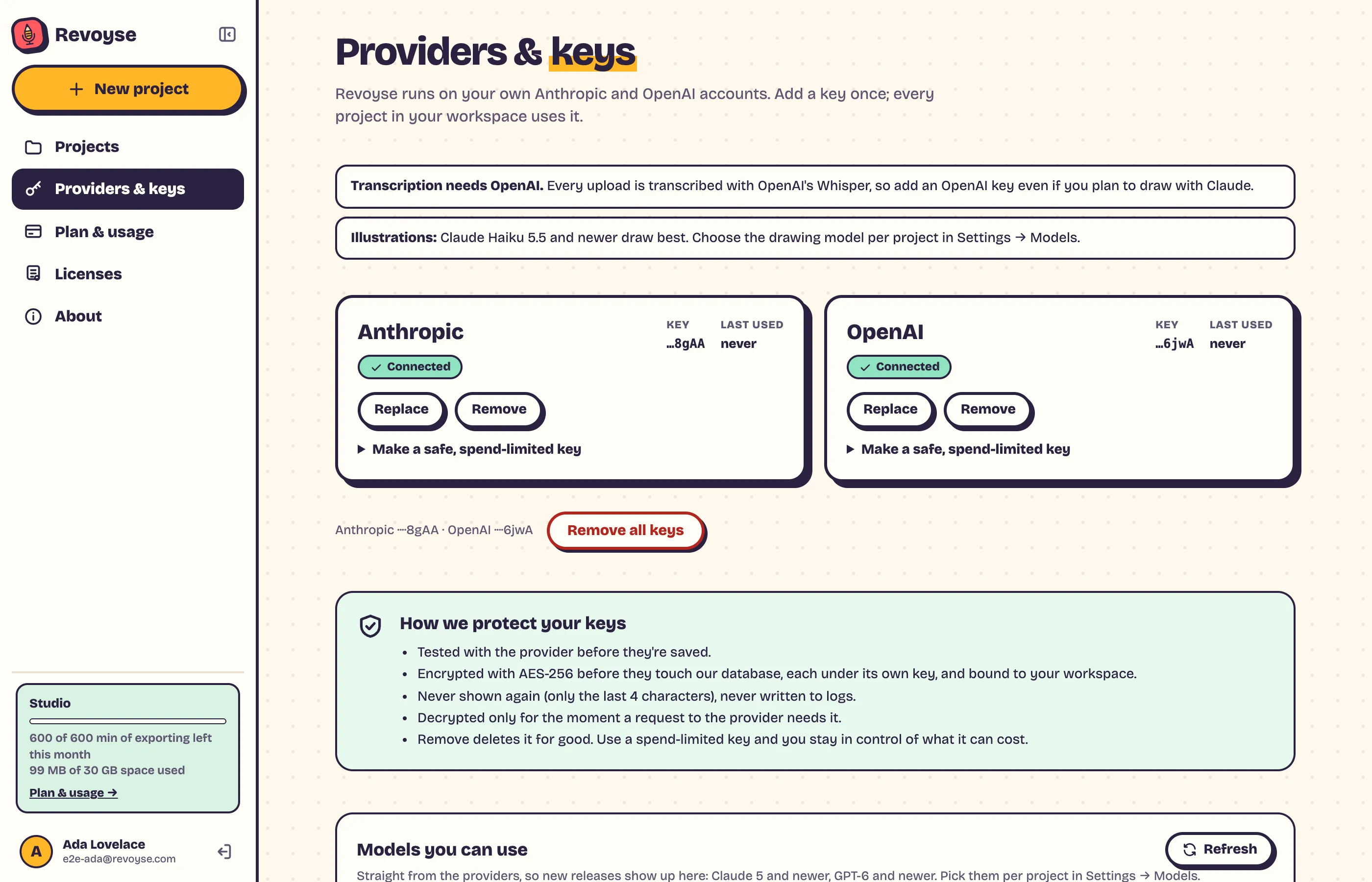
You need both: OpenAI for transcribing every upload, and either for planning and drawing (Claude Haiku 5.5 and newer draw best).
Adding a key
Section titled “Adding a key”- Make a key at Anthropic and at OpenAI. Each provider’s card in Revoyse has the steps under Make a safe, spend-limited key.
- Set a spend limit there, so a key can never cost more than you choose.
- In Revoyse, open Providers & keys, paste the key and click Test & save. It’s tested with the provider first; a key that doesn’t work is refused and nothing changes.
Each card then shows Connected, the key’s last 4 characters and when it was last used. A red dot on Providers & keys in the sidebar means a key is missing or was turned down (revoked, or out of credit): replace it.
Keeping keys safe
Section titled “Keeping keys safe”- Tested before they’re saved.
- Encrypted (AES-256) before they’re stored, and bound to your workspace.
- Never shown again (only the last 4 characters), never written to logs.
- Decrypted only for the moment a request needs it.
- Remove deletes it for good. Remove all keys at the bottom deletes every key.
Models you can use
Section titled “Models you can use”The list at the bottom comes straight from the providers, so new models show up by themselves (Claude 5 and newer, GPT-6 and newer). Refresh asks again. Pick models per project in Settings → Models.
Per edition
Section titled “Per edition”Cloud The free trial runs on our keys. Your own keys come with a plan.
Desktop Needed from the start.
Team The team’s keys: the admin adds them and everyone uses them. Members see that they’re connected but can’t change them.