
Your first video
-
Make a project. Click New project and choose a recording: a video or an audio file (MP4, MOV, MP3, M4A and most others). Revoyse uploads it, extracts the sound and writes down every word. Each step shows on screen. See Uploading a recording.
-
Check the settings. The first time you click Generate, the video’s settings open: the style, the colours, how much to illustrate and more. The defaults are fine to start with. See Settings.
-
Generate. Click Generate ✦. Revoyse plans the scenes from what you say, then draws and animates them. Scenes appear on the timeline as they’re ready; it takes a few minutes. See Generating.
-
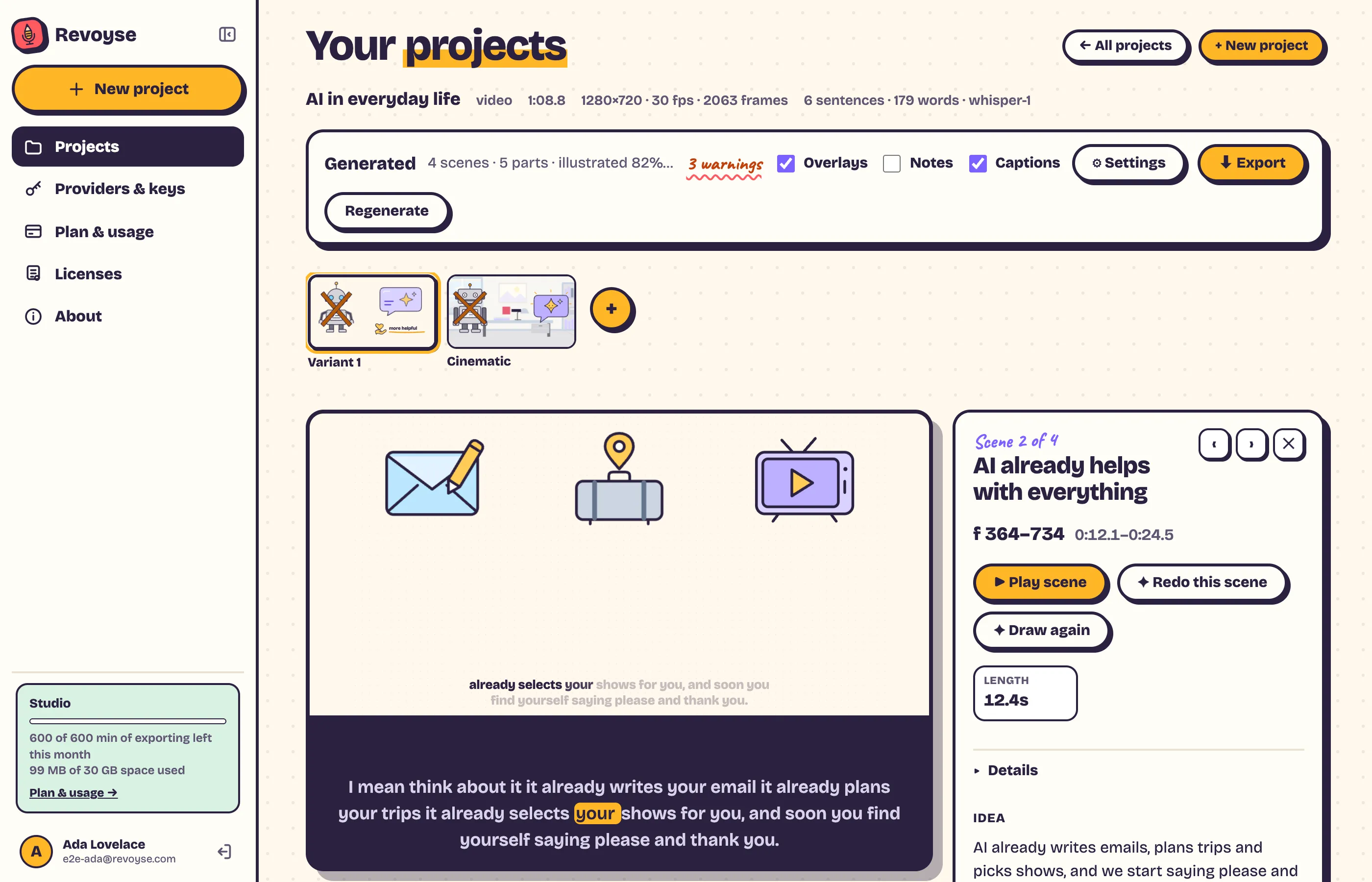
Watch it. Play it in the player, or click a scene on the timeline to see its parts and objects. See Watching and the timeline.
-
Change what you like. Ask for a scene again, change an object in words, swap a drawing for your own picture. Every change shows a before and after for you to keep or discard. See Editing.
-
Export. Click Export, pick a resolution and Start export. When it’s done, download the MP4. See Exporting.