
Exporting
Click Export on the bar above the player.
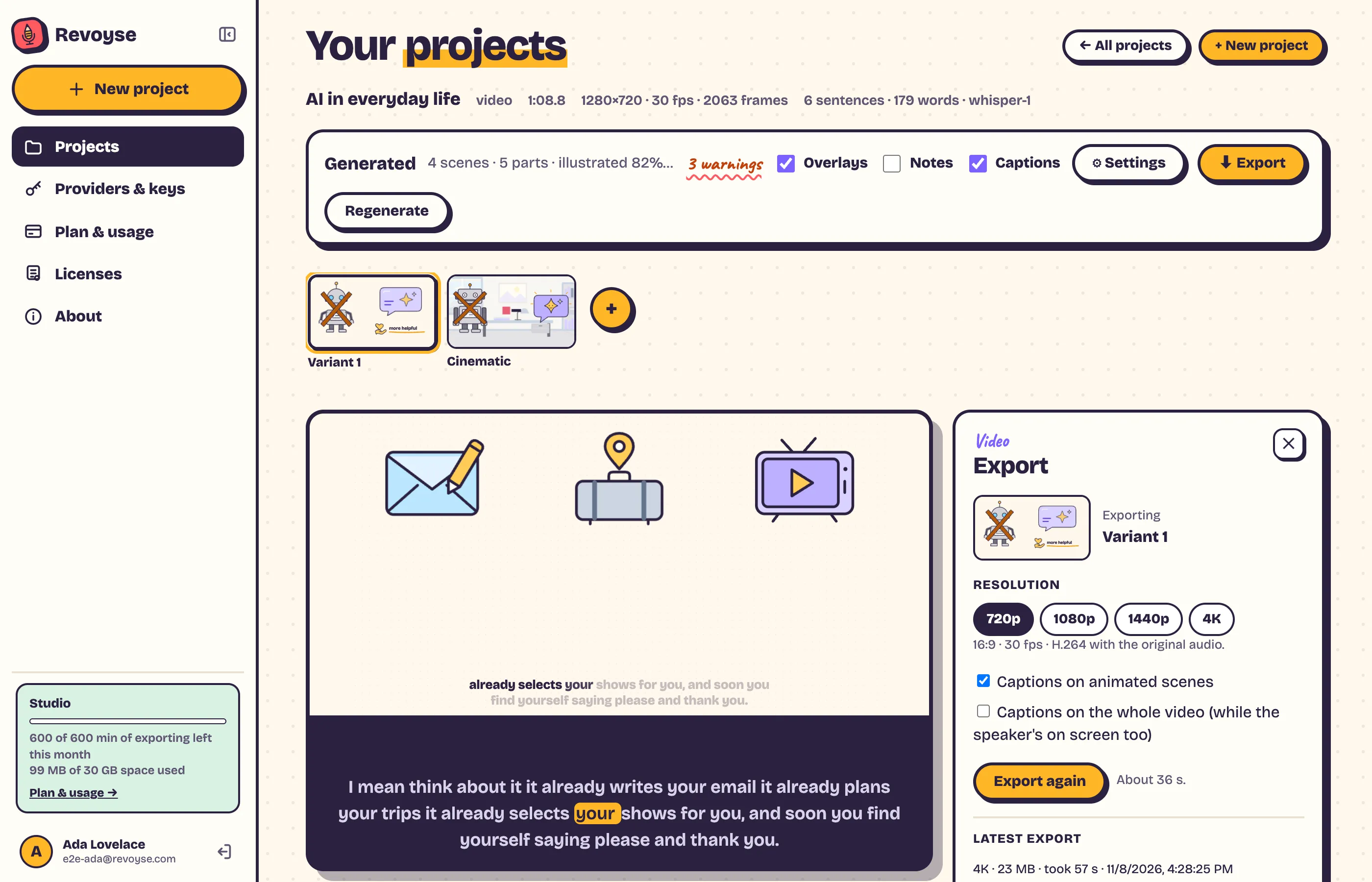
- Choose the Resolution: 720p, 1080p, 1440p or 4K.
- Choose the captions: Captions on animated scenes, and Captions on the whole video (while you’re on screen too).
- Click Start export (Export again if there’s one already). It says about how long it’ll take, then shows Rendering and Joining the pieces and adding the audio…
- When it’s done, download the MP4: 16:9, 30 fps, H.264, with your original sound.
You can close the panel: the export carries on. Your latest export stays there to download again.
Stop export throws away what’s rendered so far; export again whenever you like.
Before generating
Section titled “Before generating”Not generated yet? Export captions only: your recording with captions, no animation.
One part
Section titled “One part”A part’s ⋯ → Download gives that part alone, as a 720p MP4.
Waiting
Section titled “Waiting”If you have an export running, another waits and starts by itself (“Waiting for your other export to finish”). When many exports run at once, yours waits its turn.