
Styles
A style decides how everything is drawn: the background, the lines, the font, the texture and the colours. Changing it re-dresses the whole video at once, without generating again.
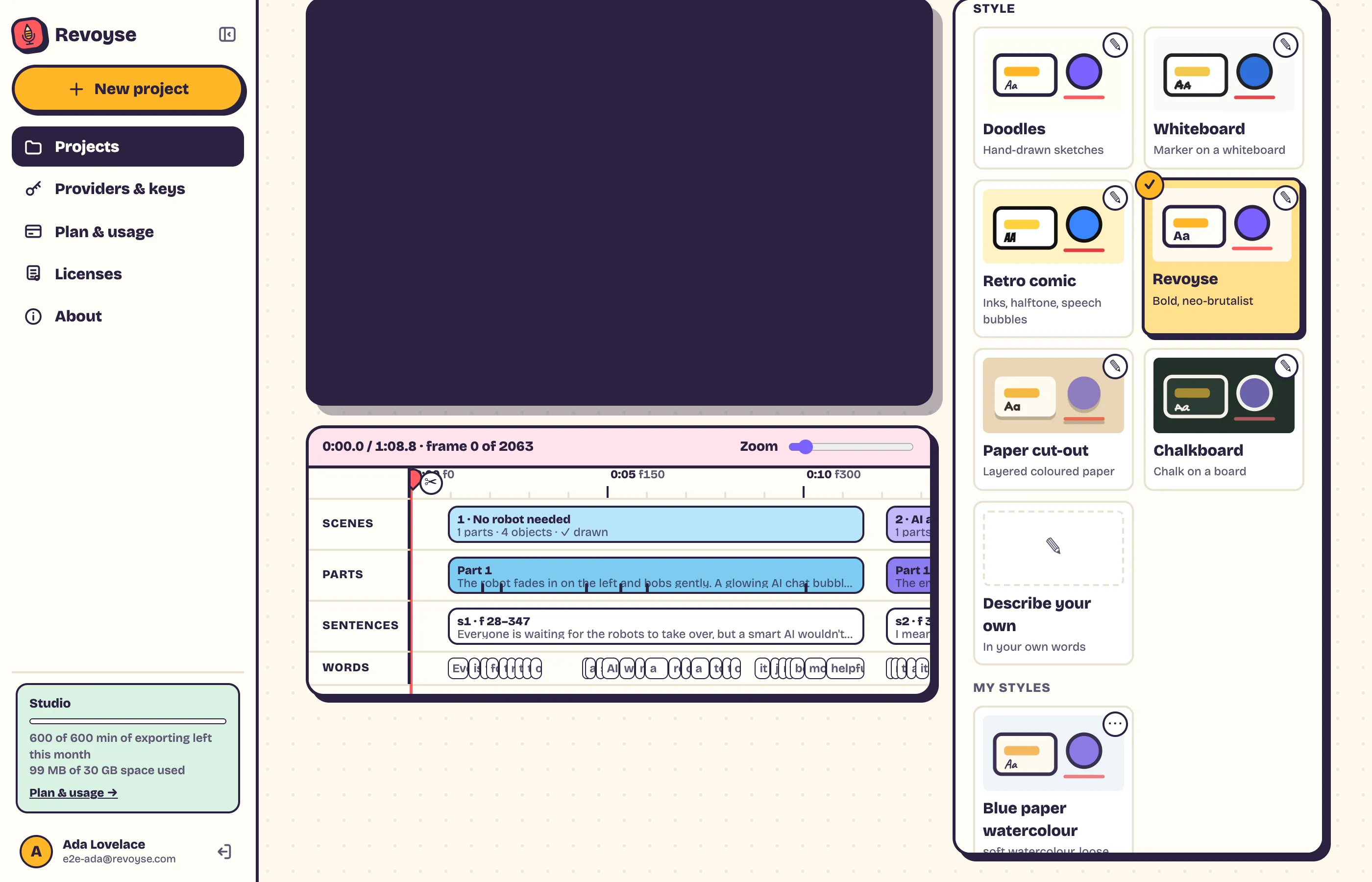
Built-in styles
Section titled “Built-in styles”Doodles, Whiteboard, Retro comic, Revoyse, Paper cut-out and Chalkboard. Each tile shows a preview. To make one your own, click ✎ on its tile: you get “Chalkboard (my version)” to change, and the built-in stays as it was.
Describe your own
Section titled “Describe your own”In Settings → Style, describe what you want, e.g. “soft watercolour, loose brush lines”, and Revoyse makes a style with a name, colours, font and rules in under a minute.
Brand colours: give exact colours and Revoyse uses them exactly: “navy #0B1F3A background, coral #FF6B5B highlights, rounded shapes, no outlines”. They’re listed first in the style’s colours.
Brand voice: a style can carry instructions too (how you talk about your product). When you pick it on a project that already has its own instructions, Revoyse asks: Use the style’s, Add them to mine or Keep mine.
Editing a style
Section titled “Editing a style”⋯ → Edit on a style’s tile. At the top, a preview that updates as you go, and your description. Then:
- Describe a change, e.g. “darker background”: only that changes.
- Name, Colours, Brand colours, Type and lines (font, texture, outlines, effects, dark): change them by hand.
- Start over from a new description… remakes it from new words, keeping its name and instructions.
If text would be hard to read on the background, a warning shows and Save waits until it’s fixed.
Finish with Save (change this style), Save as new (keep both) or Discard.
My styles
Section titled “My styles”Your saved styles, each tile with its description. Up to 50: delete one to add more. ⋯ on a tile: Edit, Rename, Delete.
A project keeps its own copy of its style: changing or deleting a saved style doesn’t change videos already using it.